
By Verena Ashby Cole. Publisher: SafeScatterSession Pocket Screen Review.
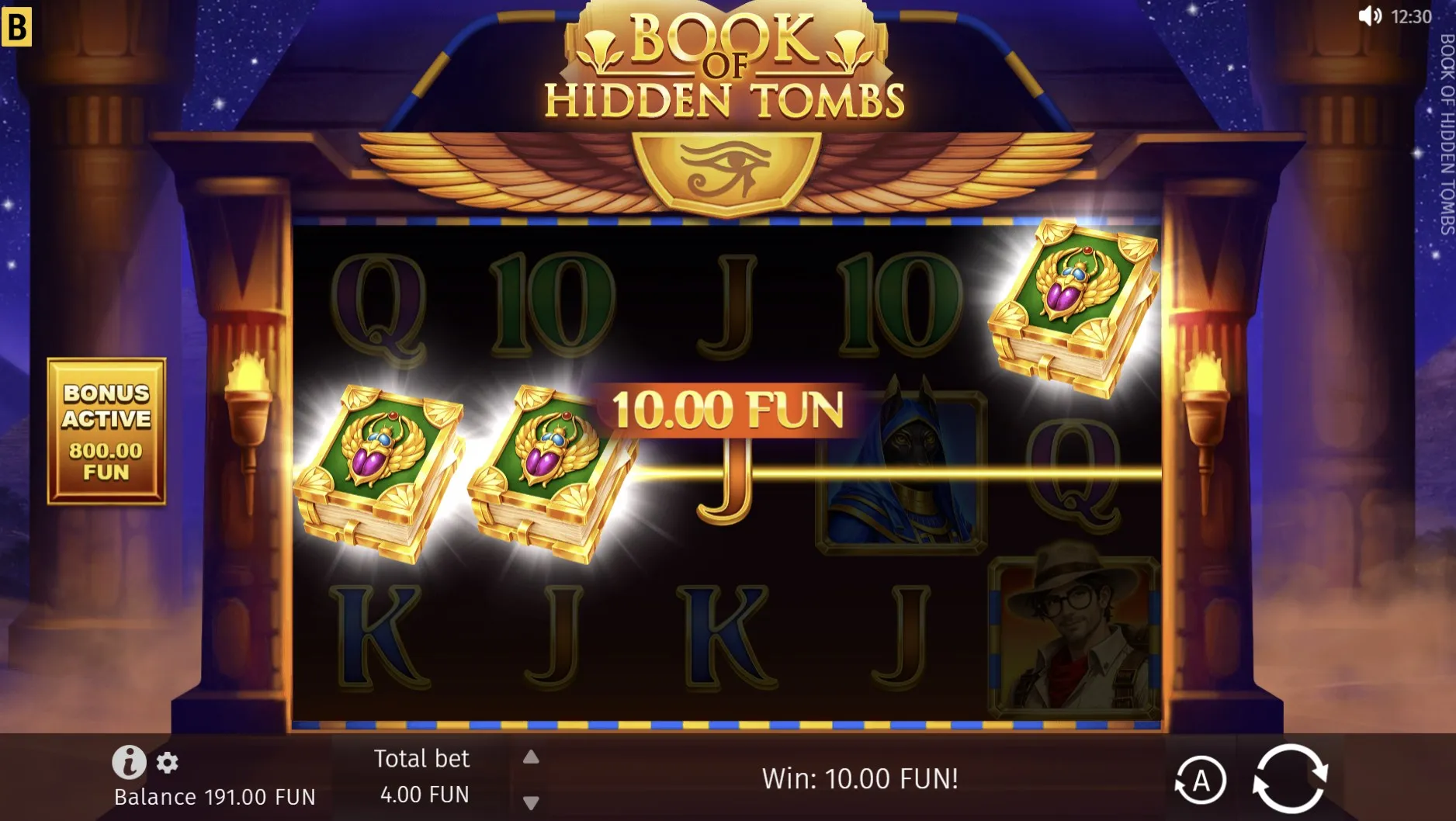
Read the returning screen
A call ends and the browser returns. The game looks familiar, but that does not tell you whether it paused, finished a round or loaded again. Mobile social gaming often happens between other activities, so a short return check is useful. Keep your finger away from the main play control while you read the title, any message and the visible balance. The first task is to understand the current screen, not to recreate the last moment from memory.
SafeScatterSession’s game pages contain an embedded game inside the wider website. You may see the page heading before the game finishes loading, or a game message while the surrounding navigation remains available. Those are different parts of the page. As of September 2026, the supplied page information does not explain how every interrupted session is stored. A familiar background alone therefore cannot confirm that a previous round or balance has been restored.
A calm return sequence
- Wait for the visible loading message or animation to finish.
- Read the game title and any notice about the session.
- Check the available controls before choosing a new action.
Separate the controls
There can be three sets of controls on a phone: the browser, the website and the game itself. The browser’s back button can leave the page, while a close icon inside the game may only dismiss a panel. The site’s menu opens navigation rather than game settings. Mobile social gaming is less confusing when you identify which layer owns a button before using it, especially after a rotation or a return from another app.
| Layer | Typical purpose | Check first |
|---|---|---|
| Browser | Tabs and page navigation | Whether you will leave the page |
| Website | Menu and article links | Where the link leads |
| Game | Help and round controls | The button’s current label |
If text is clipped or a control sits under a browser bar, make the screen readable before continuing. Try a comfortable orientation and let the layout settle. Where supported, use the browser’s text or zoom controls for reading, then check that the game remains usable. Do not keep tapping the same spot during a shift in layout. A position that held an information button a moment ago may now hold a different control.
- Keep important labels visible rather than relying on icon shape.
- Reduce competing notifications when you want a quiet break.
- Pause if the page keeps moving or a button is partly hidden.
- Use the game’s own sound control when it is available.
Ask what was saved
A returning balance can raise questions, but it does not explain the storage method. Some browser experiences keep information locally; others depend on a remote session or start again. These are possibilities, not confirmed descriptions of the games here. Mobile social gaming should not depend on guessing which applies. Look for a clear explanation in the current game’s help, and avoid clearing browser data as a casual first step when you want to retain progress.
If the game appears to have restarted, note what is actually different: the title, balance, settings or a message. That makes a useful question for support without claiming that a particular result was lost. Repeated refreshes may add confusion rather than explain the first change. If no clear record is available, leave the earlier state uncertain. Virtual credits remain part of an entertainment display, not evidence of a cash amount owed.
A changed title deserves the same care as a changed counter. The article on checking the game behind the card explains how to compare labels. If someone is waiting for you, describing a game to a friend offers ways to keep the conversation comfortable without rushing back into play.
Author’s opinion
My preference is to treat a phone interruption as permission to reconsider the break. Sometimes I would read the screen and continue; sometimes I would close it and do something else. Mobile social gaming fits everyday life better when returning is a choice rather than a duty. I find a readable label and a clear next action more valuable than recovering the exact rhythm of the session I left.